How to Share Credentials and Encrypted Files Securely with Third Parties
By Kike Gandia · Threats · 4 min read
Today, with companies relying more and more on vendors, external partners, freelancers and consultants to stay agile, having to share sensitive information is commonplace. That can mean anything from a simple working document to passwords, system access settings, or even personal and financial data.
But here's the problem: if you share this information insecurely, you risk far more than a technical mistake. You could end up facing legal penalties, losing your customers' trust or suffering a cyberattack. Worst of all, many incidents are not caused by sophisticated attacks but by simple oversights, such as sending a password in an unencrypted email or reusing the same password across several services.
That's why this guide is written for anyone working in a modern organization, from technical staff to administrative employees and executives. You'll learn, step by step, how to share files and credentials securely, avoiding common mistakes and using simple tools that anyone can get hold of.
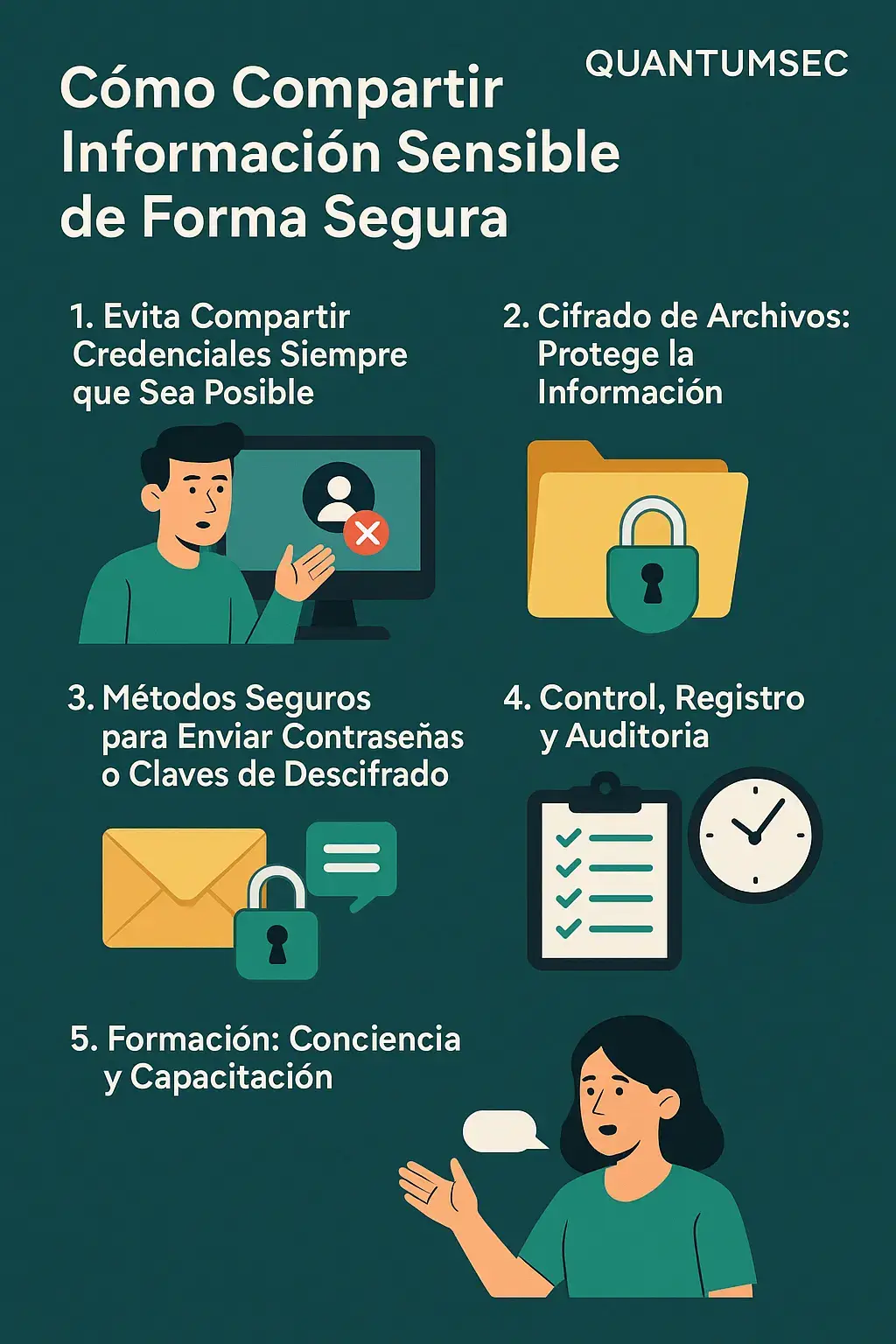
- Step 1 — Don't share passwords
Before encrypting anything, ask for the other person to get their own access. That way you know who did what and can remove it when they're done. - Step 2 — Encrypt the file
If the document has to be sent, it goes inside a safe: 7-Zip, VeraCrypt, WinRAR or GPG. - Step 3 — Send the password through another channel
The file goes one way, the password another. Never both together. - Step 4 — Monitor and audit
Who accessed it, when, and whether they still have access: questions you must always be able to answer. - Step 5 — Train your team
Most mistakes aren't made by hackers. Training protects you as much as a firewall does.
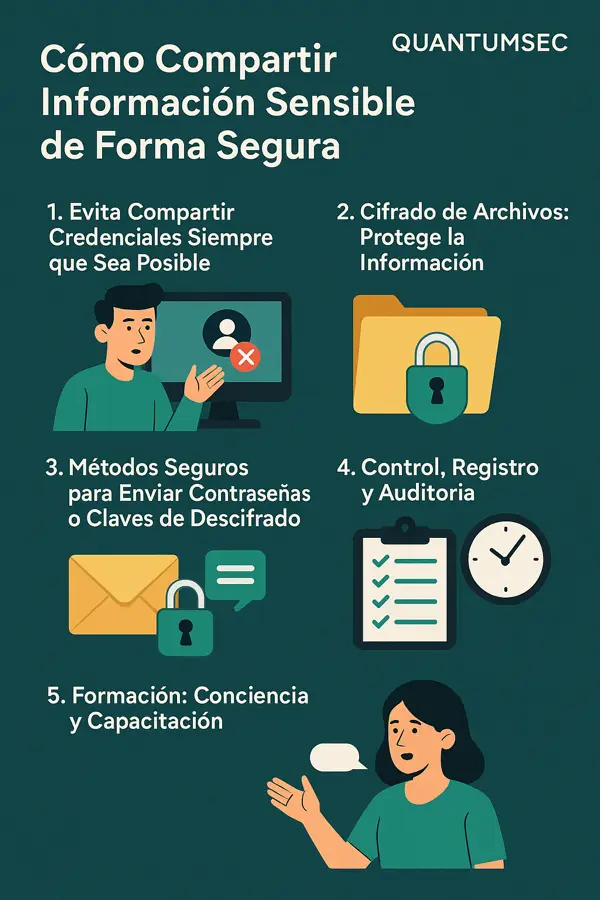
The whole guide, in five decisions.
🛑 1. Why shouldn't you share passwords directly?
First of all, avoid sharing passwords. Whenever you can, don't do it.
Why?
Sharing a password is like handing someone a master key without knowing how many doors it opens or who else might use it. If something goes wrong later, you won't know who did it, how or when.
So what should you do?
- 🔹 Create individual accounts: Instead of sharing your username and password, ask for the other person to have their own access. That way you can: Know who did what.
- Remove their access once they no longer need it.
- Limit exactly what they can do.
- 🔹 Use user management systems: Companies typically use systems known as IAM (Identity and Access Management). These let you grant time-limited permissions, or permissions to specific parts of a system only, without anyone having to share passwords.
🗃️ 2. What if I have to send a confidential file?
Sometimes there's no way around it: you need to send a contract, a database or an internal report. This is where encryption comes in.
What is encryption?
Encrypting is like putting a document in a safe with a combination lock. Only someone who has the combination can open it.
How do you do it easily and securely?
- 🛠️ Simple, free encryption tools: 7-Zip (Windows/Linux): You can create a password-protected ZIP file.
- VeraCrypt: For encrypting folders or creating a kind of protected “virtual disk.”
- WinRAR: Widely used in companies; it lets you set a password and encrypt file names.
- GPG or PGP: More technical, but ideal for advanced public/private key encryption.
⚠️ Important tip: Don't just use a weak password like “company123”. Use something strong. Example: a$Rk9#Zt1uLp7!.
🔑 3. How do you send the password securely?
The rule you never break. Never, ever send the encrypted file and its password through the same channel. It's like leaving a locked safe with the combination taped to the top.
So how do you do it properly?
- 📧 Send the file by corporate email.
- 📱 Send the password through a different channel: A phone call.
- SMS.
- A message on WhatsApp, Signal, Telegram or similar.
- Better still: use a password manager.
🛠️ Tools for sharing passwords securely:
- Bitwarden, 1Password and LastPass let you share passwords temporarily and in a controlled way.
- Some even let you revoke access or see whether the password has been used.
📋 4. Control, logging and auditing
Once you've shared information, you need to keep track of what happens next.
Who accessed it? When? Do they still have access?
These are questions you must always be able to answer.
- ✅ Keep a log of every access and every share. A simple spreadsheet will do, or you can use professional auditing tools.
- ⏱️ Review periodically which accesses are still open to third parties. Many mistakes happen when someone forgets to close the door after a person no longer needs to come through it.
- 🔒 Revoke access automatically after a set period, if possible.
📚 5. Train your team (and yourself)
Most mistakes aren't made by hackers; they're made by us.
That's why training is a security tool as powerful as a good firewall.
What can you do as a company?
- 🧠 Run short internal courses or bite-sized awareness sessions on: What phishing is and how to spot it.
- How to create strong passwords.
- How to share files and passwords securely.
- 📝 Set clear rules in your company: For example, “No one may send passwords in unencrypted email.”
- Or “Every shared password must be changed after use.”
🚀 6. Bonus: good tools and resources for businesses
If your company has reached a certain size or technical maturity, you can use more advanced tools:
| Need | Recommended tool |
|---|---|
| Sharing encrypted files | Tresorit, ProtonDrive, Keybase |
| Sharing passwords with third parties | Bitwarden Teams, 1Password Business |
| Access auditing | Wazuh, Elastic SIEM, SentinelOne |
| Easy document encryption | Cryptomator, NordLocker |
✅ Conclusion: security isn't just a technical issue, it's a habit
You don't need to be an expert to apply these good practices. What matters is understanding the risk and knowing that there are tools and habits that can help you better protect your work, your company and your customers.
Every time you share a password or a file carelessly, it's like opening a window without knowing who might be looking in.
But with a little organization, you can do it securely, professionally and in line with international best practice.
📌 Good practices at a glance
What not to do the oversights behind most incidents
- Sending the encrypted file and its password through the same channel.
- Sharing your username and password instead of creating separate access.
- Protecting a ZIP with something like “company123”.
- Forgetting to close off access once the third party has finished.
What to do the habit that costs no more
- Individual accounts, so you know who did what and can revoke them.
- Encryption with 7-Zip, VeraCrypt, WinRAR or GPG before sending anything.
- The password through another channel: a call, SMS or a password manager.
- Logging access and periodically reviewing what's still open.
The difference between an incident and an ordinary Tuesday.
- Avoid sharing credentials: use separate accounts.
- Always encrypt sensitive files.
- Never send the password and the file through the same channel.
- Track who accesses what, and when.
- Train your team: it's your first line of defense.
Related service
Pentesting and ethical hacking services